

Welcome to Firefly! Let’s Get You Started.
(If you have completed this step already, skip to Step 2)
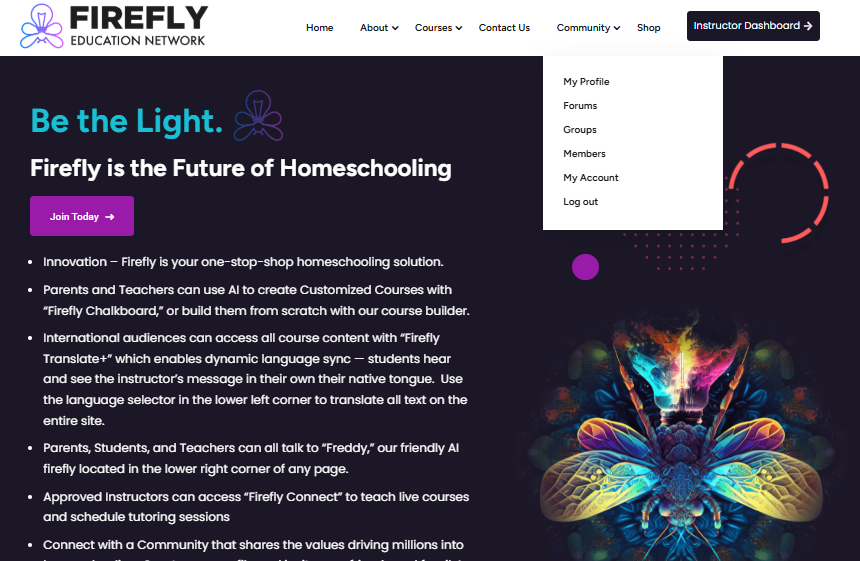
On the Homepage, Click the purple button that says “Join Today.”
Choose your Subscription Plan.
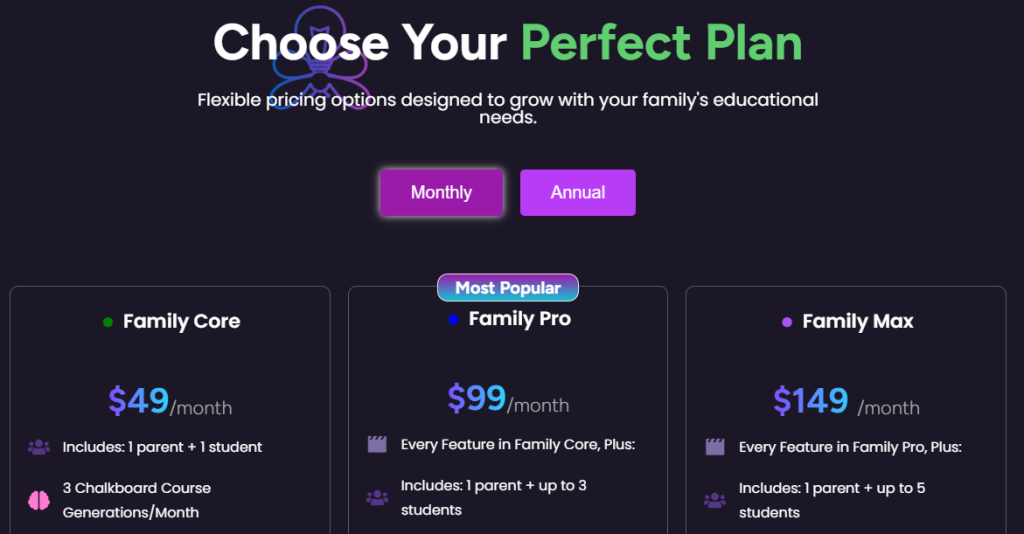
Family Core is for 1 Parent and 1 Student. It is $49 per month, or $500 for the year, saving you $88, or 15% annually. With annual enrollment with Core, you’re paying about $41 per month.
Family Pro is $99 per month for 1 Parent and 3 students. With Pro, you get 1 student for free. It is $1,069 per year, saving you $118 or 10% annually in addition to the free student enrollment. With annual enrollment with Pro, you’re paying about $29 per student per month.
Family Max is $149 per month 1 Parent and 5 students. With Max you get 2 students for free. It is $1,645 per year, saving you $143 or 8% annually in addition to the 2 free students’ enrollments. With annual enrollment with Max, you’re paying about $27 per student per month.
Choose a Monthly or Annual Plan.
Scroll down and click the purple button in the tier you have chosen.

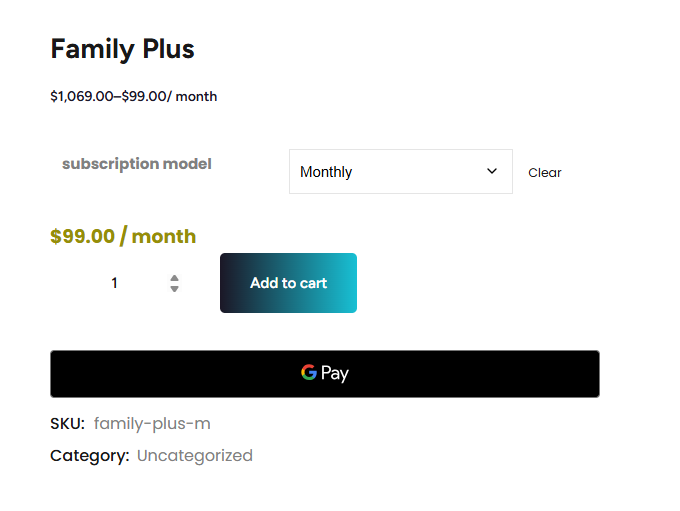
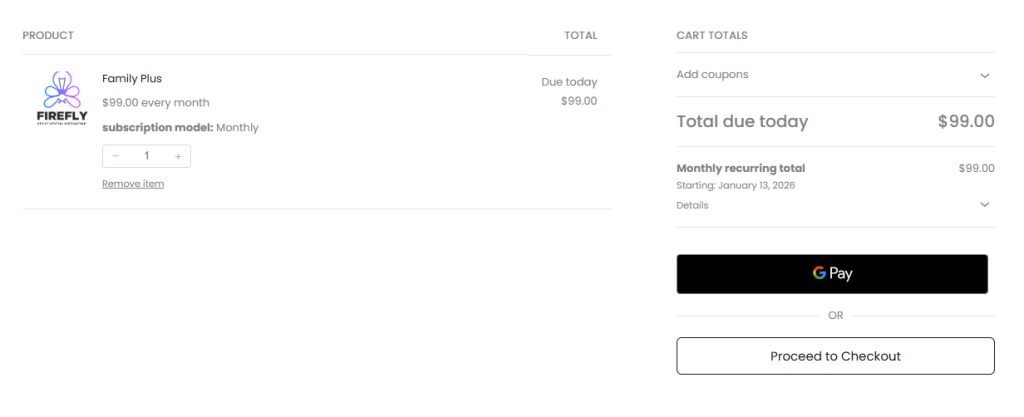
Add Your Subscription to Your Cart ↓
Proceed to Checkout ↓
Fill in Your Billing Information ↓
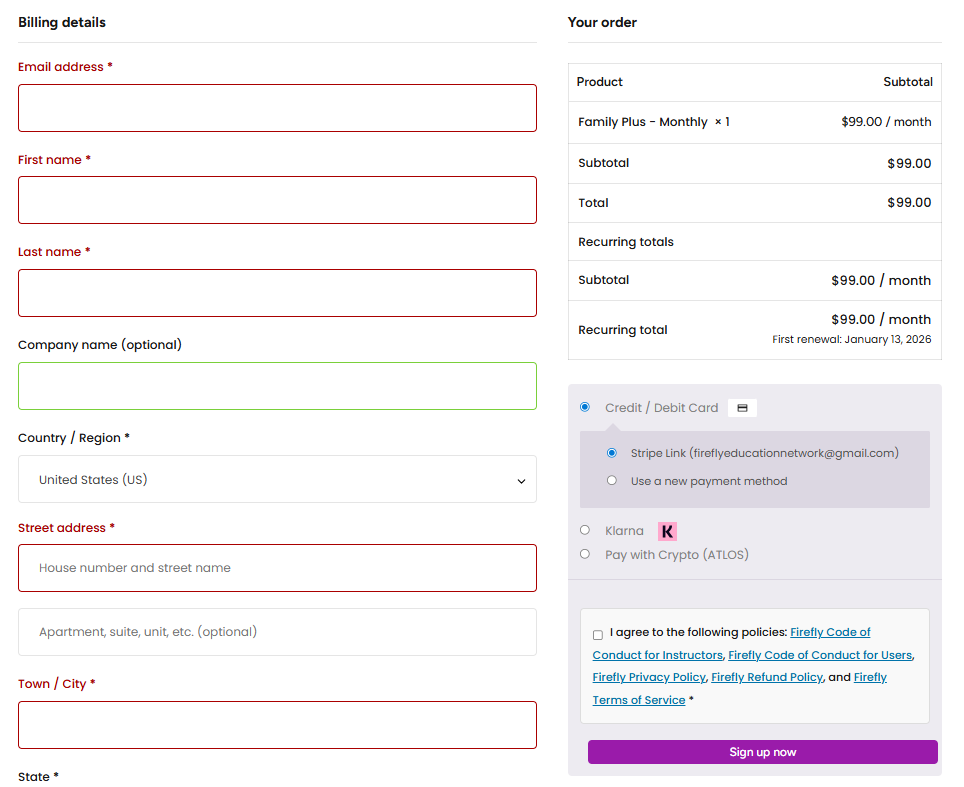
Click “Sign Up Now” and You’re In!
On to Step 2: Add Sub-Accounts for Kids
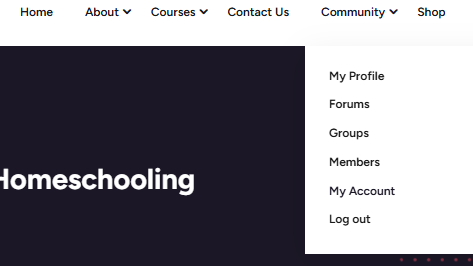
On the Home Page, click “Community” at the top menu, then scroll down to “My Account.” This will open up your Account Settings page. Scroll down and you’ll see the menu options and fields below. Click “Sub-Accounts” to add your students. They will each need an email address to be added. ↓
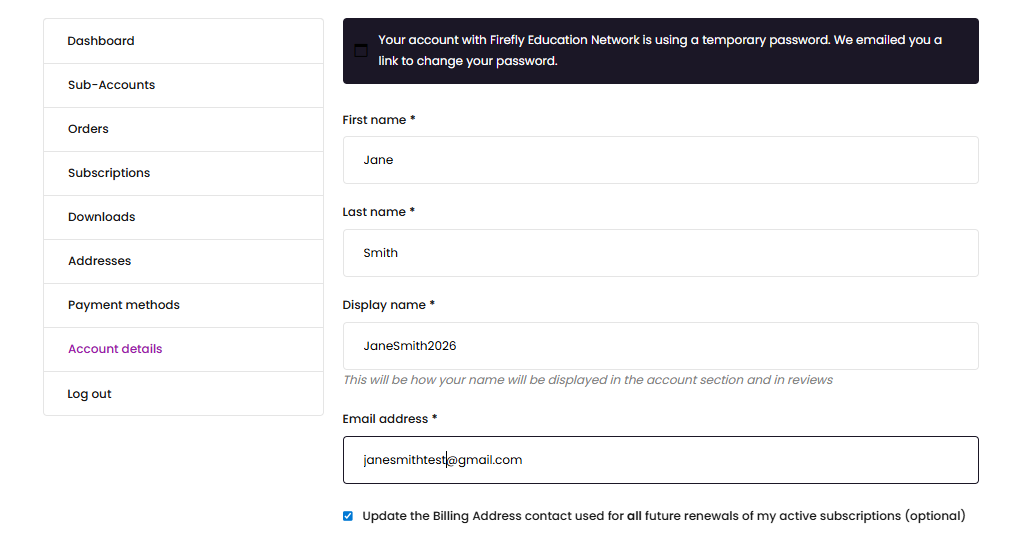
After you add them, there will be a purple button to “Switch” to their profile, or they can log in on their own with limited access only to courses, Freddy the AI tutor, and their social profile.
Step 3: Go to the Parent Dashboard
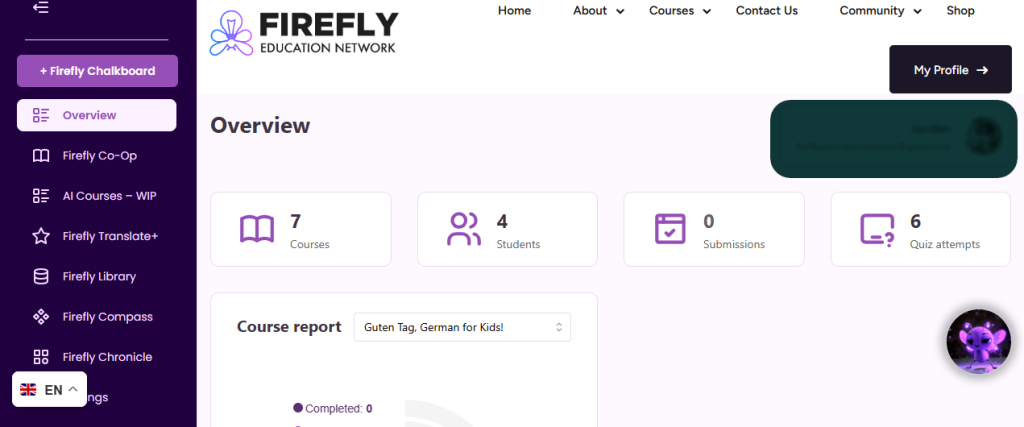
3) Click on the Parent Dashboard button at the top right corner of the Home Page. This will open up your Dashboard with the above menu on the left side of the screen.
Firefly Chalkboard: Your AI Course Creator
Say goodbye to endless curriculum planning. With Firefly Chalkboard, you can generate full-length K–12 courses at the click of a button. Each course is built from the ground up using AI aligned to national standards, and includes detailed lessons, engaging topics, and built-in quizzes. Whether you’re a DIY homeschooler or need a complete, done-for-you program, Chalkboard gives you the power to create what your student needs—fast.
Overview: The default Dashboard page where you can review what courses your kids are currently enrolled in.
Firefly Co-Op: A community-curated course library where parents and teachers contribute courses through Firefly Chalkboard to bless the entire network.
AI Courses – WIP: This is a page where your Chalkboard courses are accessible after they are finished generating. You can navigate to this page to check their progress at any time. Most Chalkboard courses take less than 10 minutes to fully generate. If a course has a grey processing indicator, it is not ready yet. Wait for a green and white “Ready to Review” with a check mark, then click on the “View Course” button to look through the material. Once you approve the AI content and move the course into the Firefly manual course builder for editing, the course will no longer appear in this page, but will instead be found in Firefly Co-Op under your “Drafts” until you are finished editing, and submit it for it for publication.
Firefly Translate+: Teaching in Every Language
Education shouldn’t be limited by language. Firefly Translate+ uses cutting-edge AI to translate, voice-match, and lip sync instructor videos into over 40 languages—making it look and sound like the teacher is speaking directly to your child in their native tongue. In Phase 1, this tool empowers educators to record once and reach a global audience. In Phase 2, families will be able to initiate translations of existing content for their own children, making world-class education truly borderless.
Firefly Library: A Video Content Library of over 300k ad-free educational videos on every topic. Search by keywords and/or categories. Double click a video to make it full-screen.
Firefly Compass: The ultimate homeschool management hub: Legal Compliance by State, a Bible app, Monthly Planner, Student Portfolio Builder, Gradebook, Transcripts, Digital wellness tools, Field Trip Planner, and more. We will be adding more mini apps into Compass as we grow. Let us know what you would like to see in there! Email your suggestions to info@fireflyedu.org with subject: COMPASS.
Firefly Chronicle: In-depth articles, tutorials, and insights into the art and heart of homeschooling. Find guidance on every type of homeschooling, and every learning style, as well as other tutorials like this one to walk you through how to use tools on the site.
Honorable Mentions:
Language Selector: In the lower left corner of the screen is our translation selector, with over 30 languages available. Click on your language to translate the entire site! Don’t see your language? Let us know! Email us at info@fireflyedu.org with subject: LANGUAGE REQUEST.
Freddy the Firefly: In the lower right corner of any page, subscribers will find our lovable mascot Freddy. He is your ever-present AI assistant and tutor. Ask him anything! He is especially helpful when you are trying to come up with a good prompt for a Chalkboard course and when you are editing your topics. Ask Freddy to rephrase something, add outside the box content, or to give you ideas on what else to add to your course. Freddy will be starring in animated shorts, children’s books and more. For now he is happy to hang out in the chat window.